Getting started
Signing in and finding your way
Your property lives at its own address. Every app opens on a dashboard; the app drawer groups them the way the property is organised — front office, operations, community, revenue, people.
For:Everyone
Where:https://<your-property>.gohotel.goliveict.com
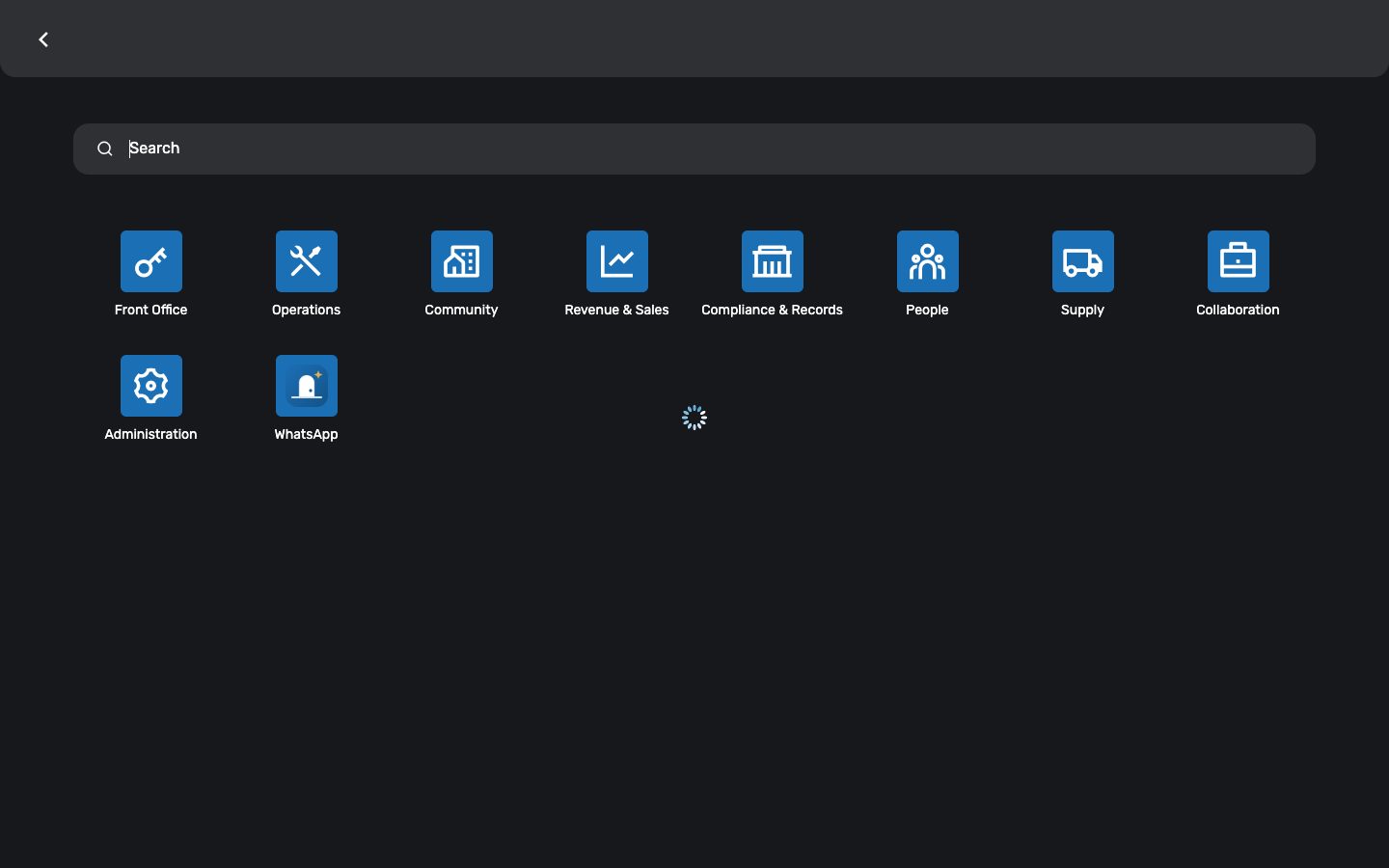
The app drawer: eight groups, one glyph per app — what you see follows your role.
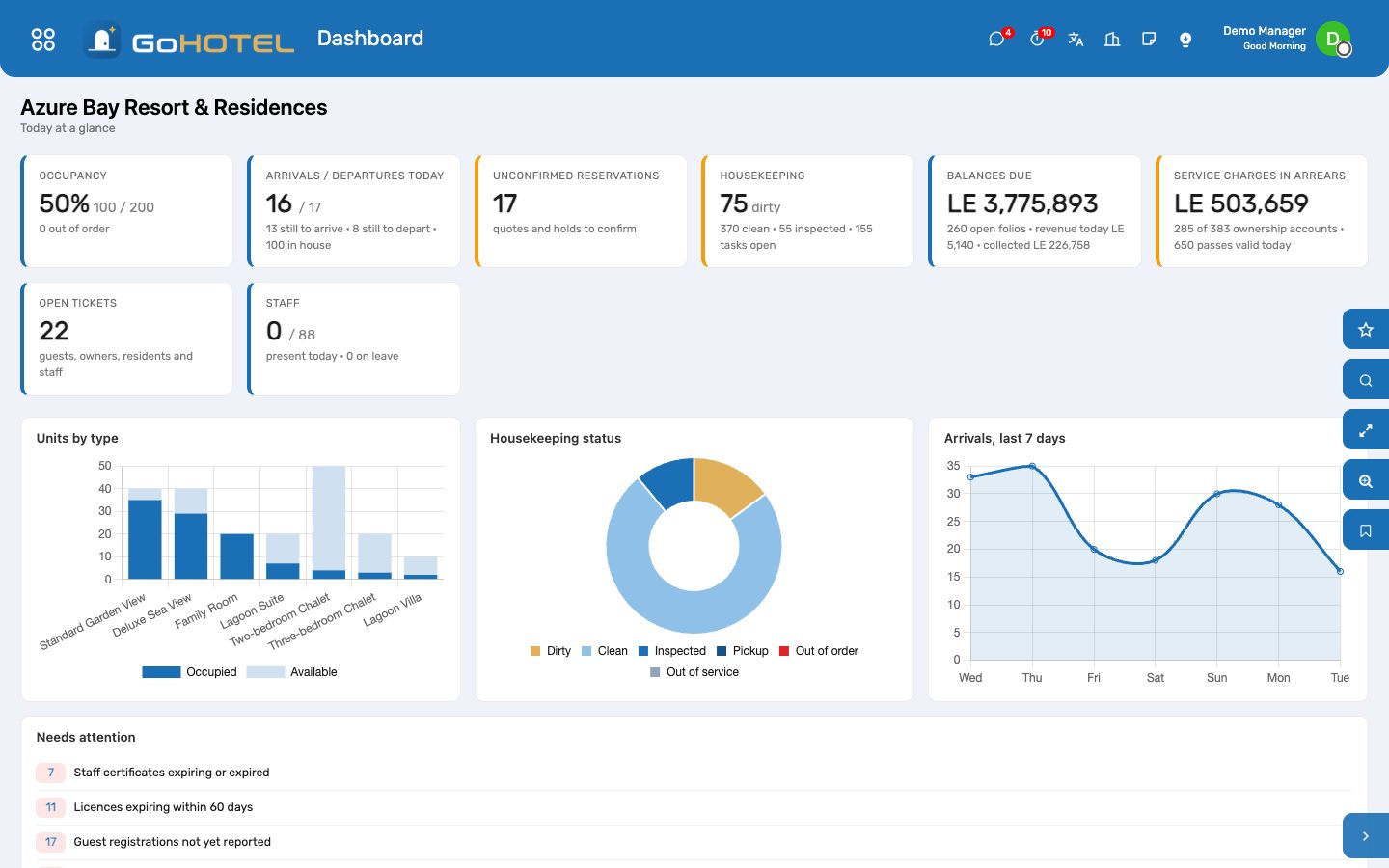
The property dashboard you land on: occupancy, arrivals and departures, housekeeping, money, alerts.
Before you start
- Your login
- The e-mail address your administrator invited; the first password comes in the welcome mail and you change it on first sign-in.
- Your role
- The GoHotel Role on your user decides which apps you see and which dashboard you land on.
How to
Sign in
- Open your property's address in a browser.
- Enter your e-mail and password.
- Land on your role's dashboard — every card opens the records behind it.
On a phone, add the page to the home screen: it installs as the GoHotel app.
Switch language to Arabic
- Open your avatar at the top right, then Preferences.
- Set Language to Arabic and save.
- The back office reloads right-to-left.
Questions the desk asks
I cannot see an app a colleague has.
Apps follow the role. Ask your Property IT administrator to change the GoHotel Role on your user.
See also: The dashboards