Administration
Users, roles and the subscription
Staff are named users with a GoHotel Role; guests, owners and residents are portal users and are never counted. The Subscription screen shows how many users and units the plan allows.
For:Property IT administratorGeneral manager
Where:Settings › Users · Settings › Subscription
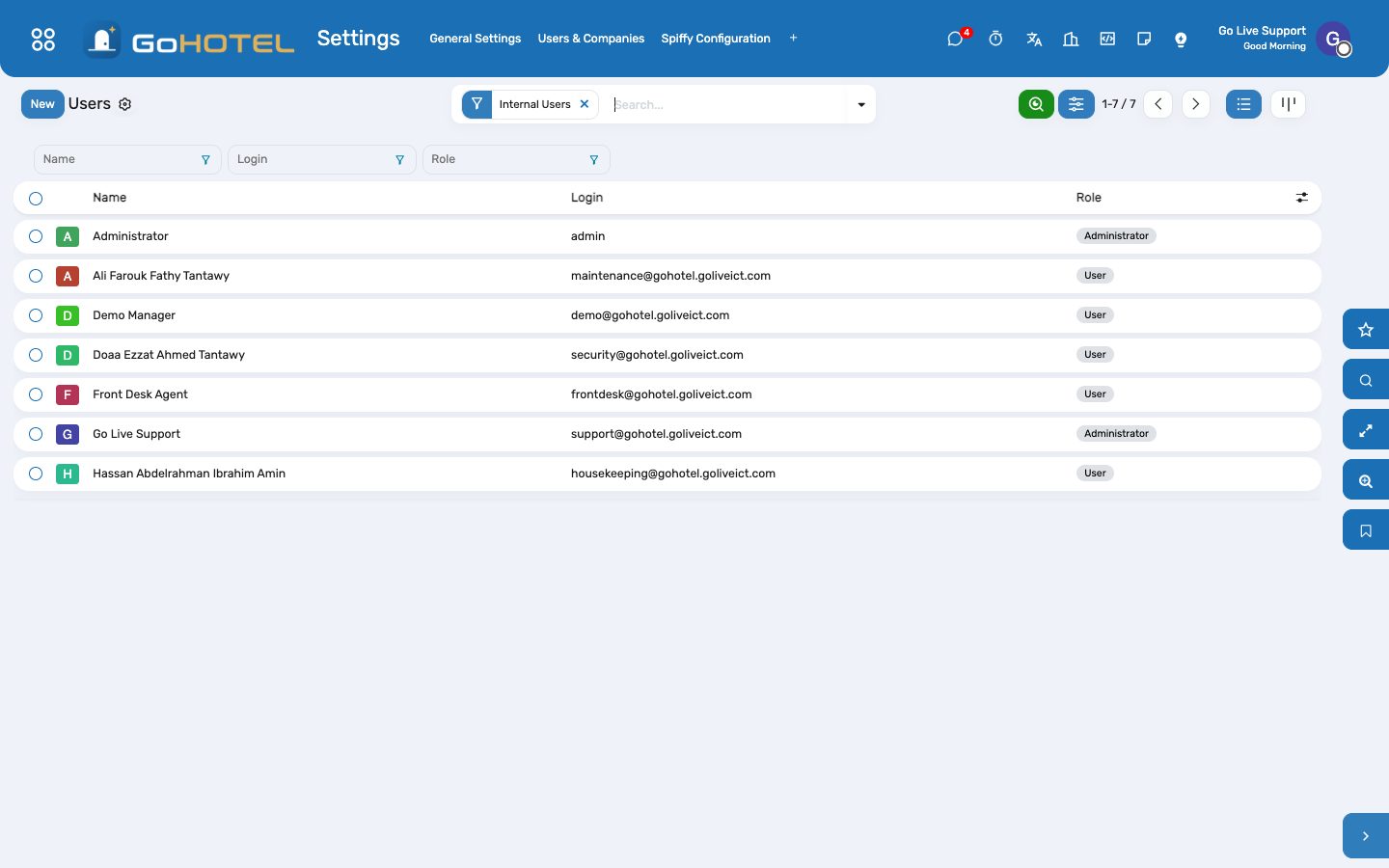
Users: one GoHotel Role per person grants the groups and sets the start page.
How to
Invite a staff member
- Settings › Users › New.
- Enter the name and e-mail.
- Pick the GoHotel Role — the groups behind it are granted and the start page is set.
- Save: the invitation mail goes out.
A person holds one role. Someone who does two jobs takes the wider role.
Check the subscription
- Settings › Subscription.
- Read users in use against allowed, and active units against allowed.
- Upgrade Plan opens the pricing page when either is close.
Questions the desk asks
We were blocked adding a room.
The plan's unit cap is reached. Archive units you no longer sell, or upgrade the plan; the caps are set by Go Live at provisioning.
See also: Signing in and finding your way