Events and banquets
From the first phone call to the settled folio: an inquiry held as tentative with an option date, made definite with a master folio, its sessions booked in the function rooms with a setup and times, catering and equipment lines, a deposit schedule, the room block for the guests, the function sheet the kitchen and the set-up crew work from, and the close that invoices or bills back the folio.
Where:Events › Dashboard · Events · Calendar · Sessions · Catering Menus · Reports · Configuration
Before you start
- Spaces
- Property › Spaces — every function room, meeting room, garden and restaurant that can be booked, with seated and standing capacity, the setups it offers and its hourly and daily rate. The rate is the suggested space hire on a session.
- Catering menus
- Events › Catering Menus — set menus, coffee breaks, beverage packages, cakes, audio-visual, staging and staffing are products in the Banquet category; prices are per person or per unit and carry the VAT of the product.
- Room setups
- Events › Configuration › Room Setups — theatre, classroom, banquet, U-shape, cocktail and boardroom are there; add your own.
- Department
- Events › Configuration › Departments — an Events & Banquets department is created for the property the first time a charge is posted; give it a cost centre so event revenue is reported on its own.
- Access
- Give the coordinators the Events & Banquets access right; reservations agents can already open and edit events.
How to
Answer an inquiry
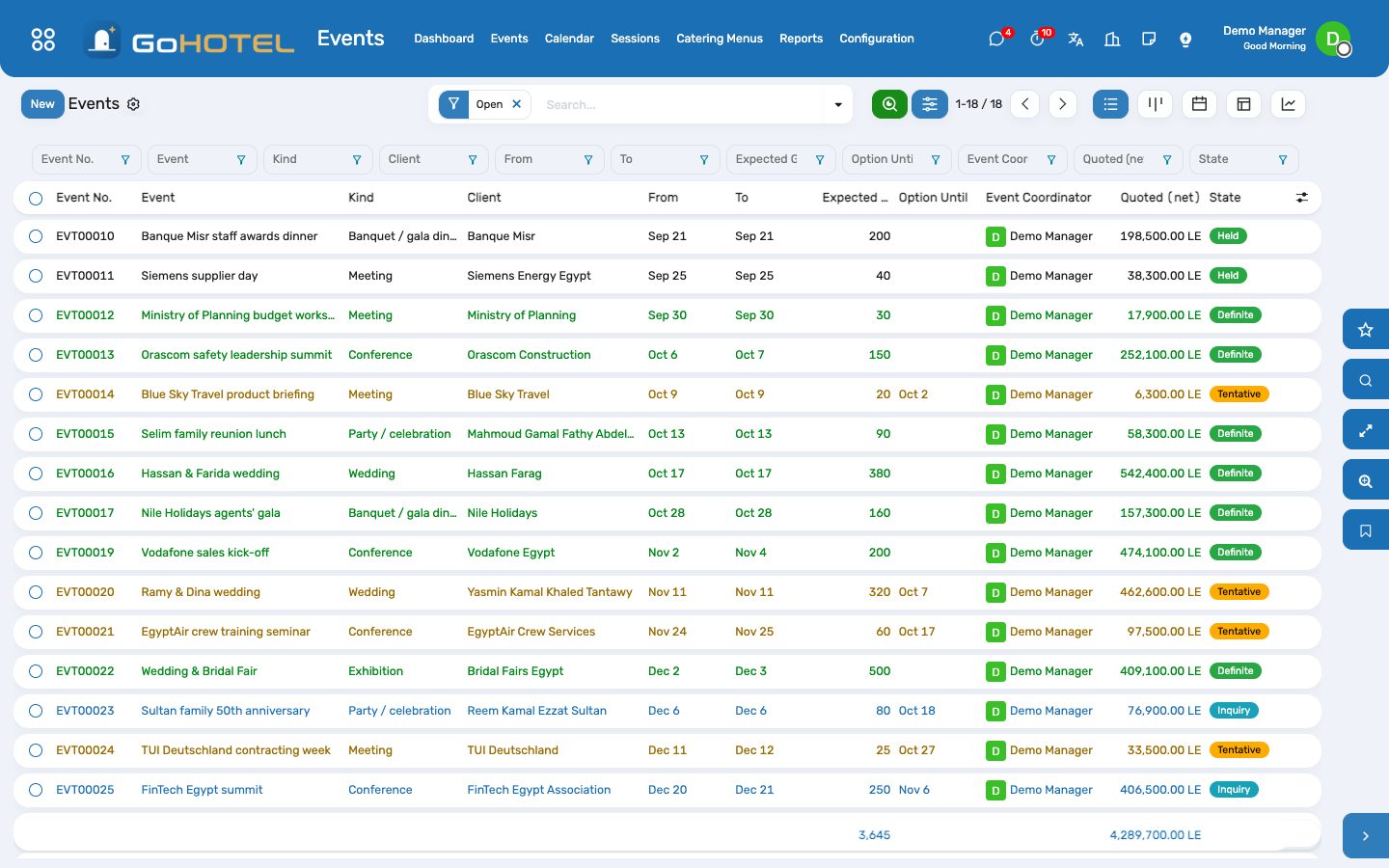
- Events › Events › New: the event name, the kind, the client (a contact, or the corporate account and its contact person), the dates and the expected guests.
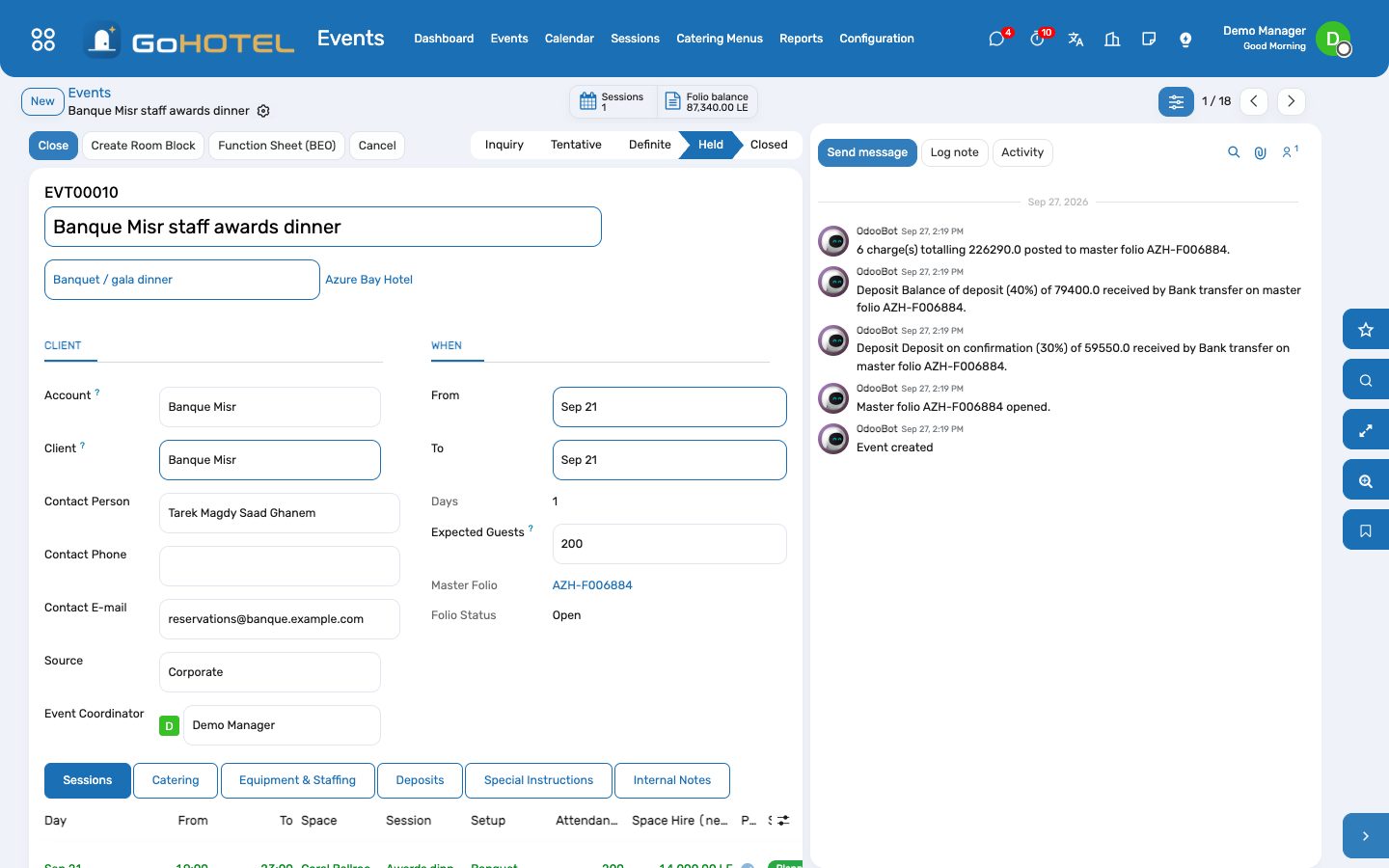
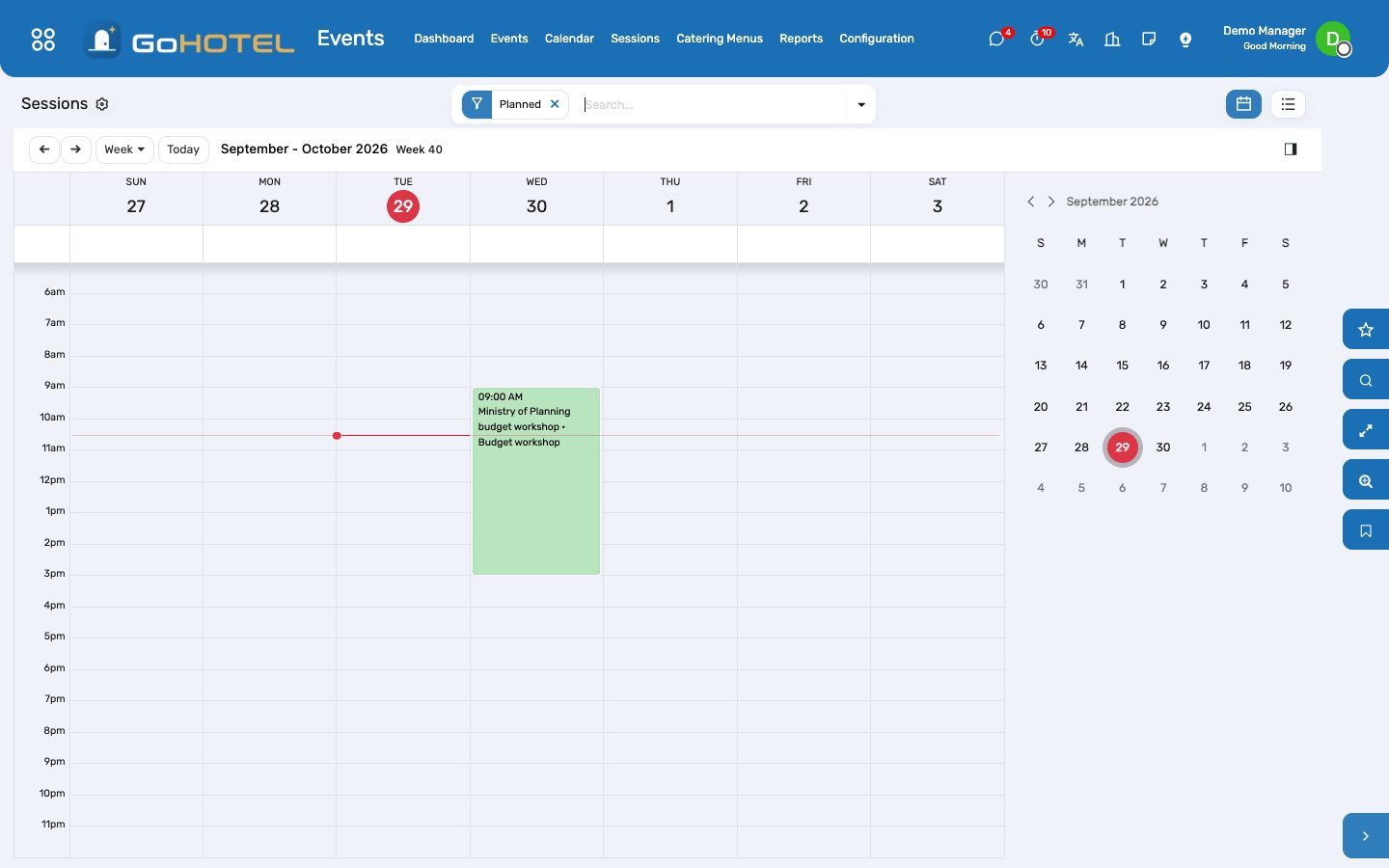
- Add the sessions: the day, the times, the space, the setup and the attendance; the space hire fills in from the space's rate.
- Add catering per session — per person lines default to the attendance — and equipment or staffing, fixed or per person.
- Print the Function Sheet (BEO) as the proposal; the quote at the bottom is before fees and VAT.
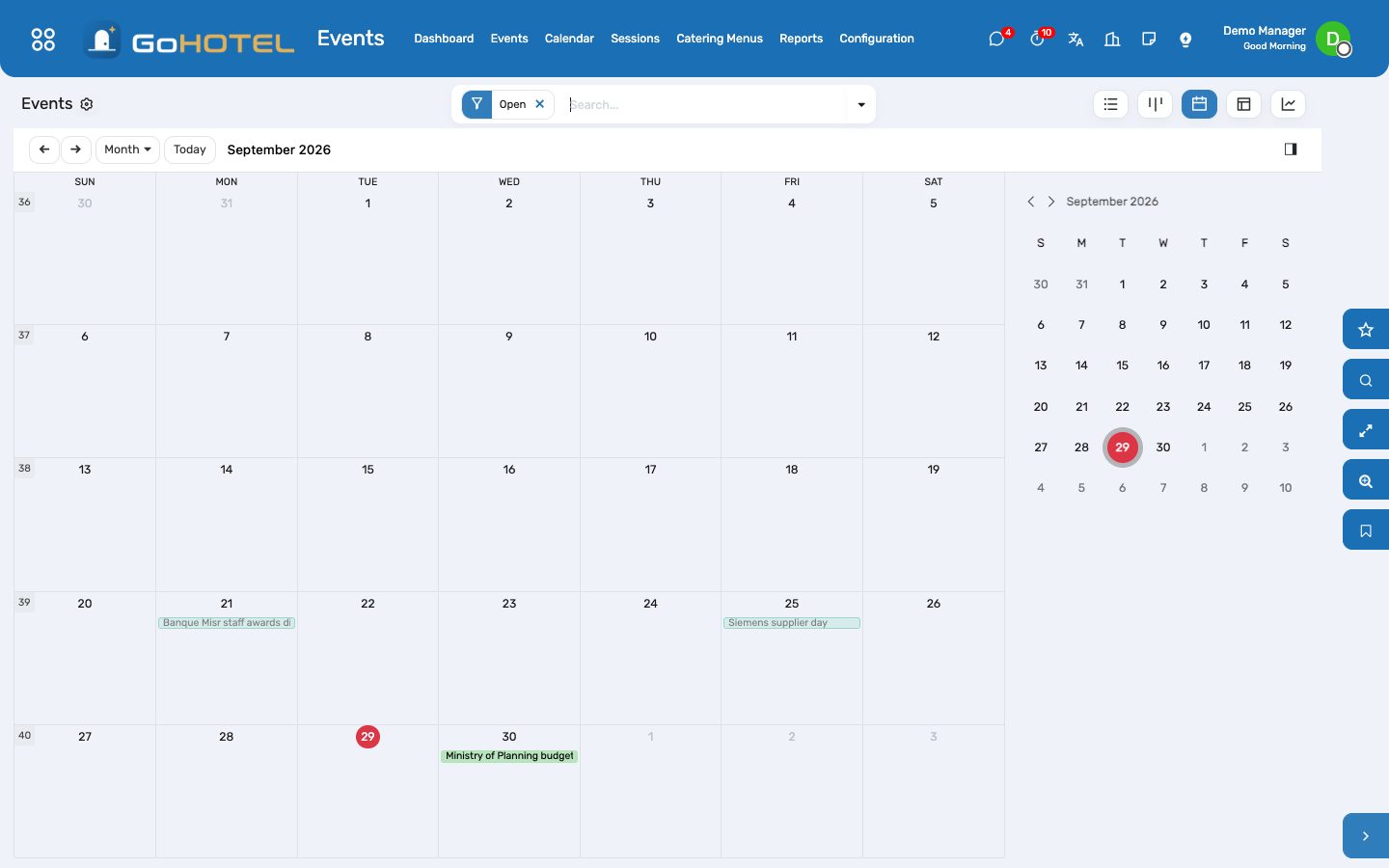
- Hold as Tentative when the client wants the date held: an option date is set two weeks out and the space is shown as held on the availability calendar.
Confirm the event and take the deposit
- Make Definite: the master folio opens, addressed to the client (or to the account's company).
- On the Deposits tab schedule the instalments: what is due, when, and how the client pays.
- When the money arrives, Receive on the line: a payment lands on the master folio in the method's journal, and the line shows the date it came in.
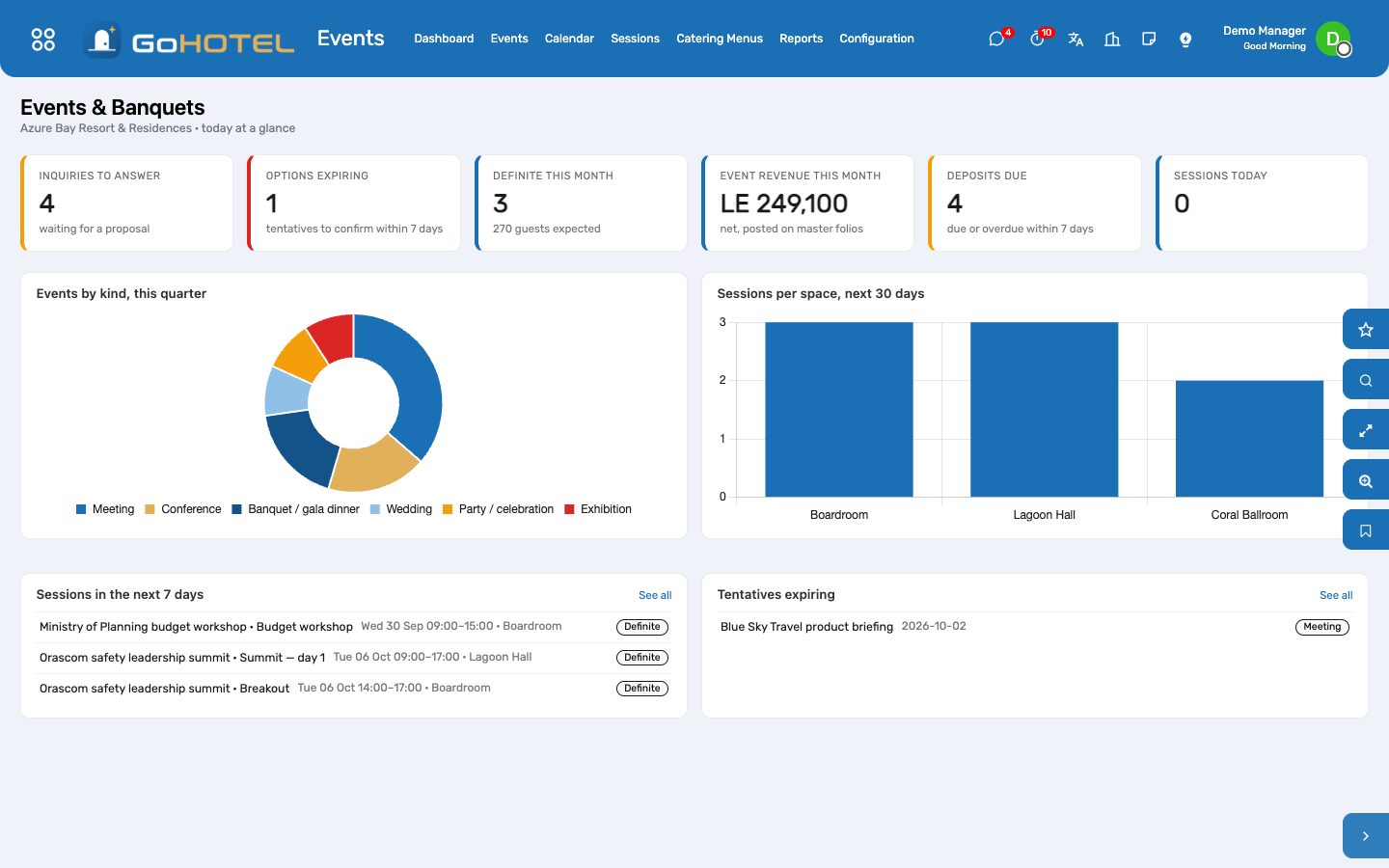
- Deposits due within seven days and options about to expire are on the dashboard every morning.
Book the rooms for the guests
- Create Room Block makes a group block prefilled with the event's dates, client and account, and opens it.
- Add the nights and unit types to hold, then Make Definite on the block; the rooming list is picked up in Reservations as names come in.
- The Room block button on the event and the Events button on the block move between the two.
The day itself
- Print the Function Sheet: sessions by day with setup and times, catering and equipment per session, the deposit schedule, special instructions and the signature lines for the client, the coordinator and the banquet manager.
- Mark as Held once the event has taken place: every space hire, catering and equipment line not yet posted is charged to the master folio with the property's fees and VAT.
- Post to Folio does the same on demand for what has been added since — extra guests, another coffee break.
Close and settle
- Close posts anything still pending and settles the master folio through its own actions: a paid folio is invoiced and closed; a balance on an account that allows bill-back is invoiced to the company on its terms and transferred to the city ledger.
- A balance the client still owes stops the close — take the payment on the folio (Folio balance button) first.
- Cancel asks for the reason, releases every session and cancels an untouched master folio; one with payments stays for billing to refund.
Questions the desk asks
The client wants a space we have not set up as bookable.
Property › Spaces: any function room, meeting room, garden, restaurant or "other" space of the property can carry a session; cabanas, courts and pools belong to Facilities.
Why is there no service charge on the event charges?
Event charges are posted with the kind "Events & banquets"; the fee rules of the property decide which kinds they apply to. Under the Egyptian preset the service charge and city tax apply to rooms and F&B; a rule set to "all charges" applies to events too.
Can a deposit taken on a reservation count?
Yes — pick it in the Reservation Deposit column of the instalment; the line shows as received on the deposit's date.
A session runs past midnight.
Enter it as it is — 19:00 to 01:00 — it ends on the following day and the calendar draws it across midnight.
Where does the revenue go?
On the master folio, in the Events & Banquets department, with the VAT of each product; the invoice carries the department's cost centre.
See also: Reservations and the tape chart Folios, charges, payments and the city ledger The property, its units and its fee rules The dashboards