Card payments: cards on file, holds, captures, no-shows and refunds
A card on file for the booker lets the stay pay itself. At arrival the property holds the nights its policy says (plus a margin for incidentals) on the card; at departure the folio balance is captured from the hold, the rest is released and anything above the hold is charged to the same card — the money lands on the folio as a card payment, like a swipe at the desk. A booking that never arrives can be charged its first night, a refund goes back to the card and onto the folio, and the website can take a deposit (or just a card) right after the guest form. Paymob keeps the card: the property only ever sees its last four digits.
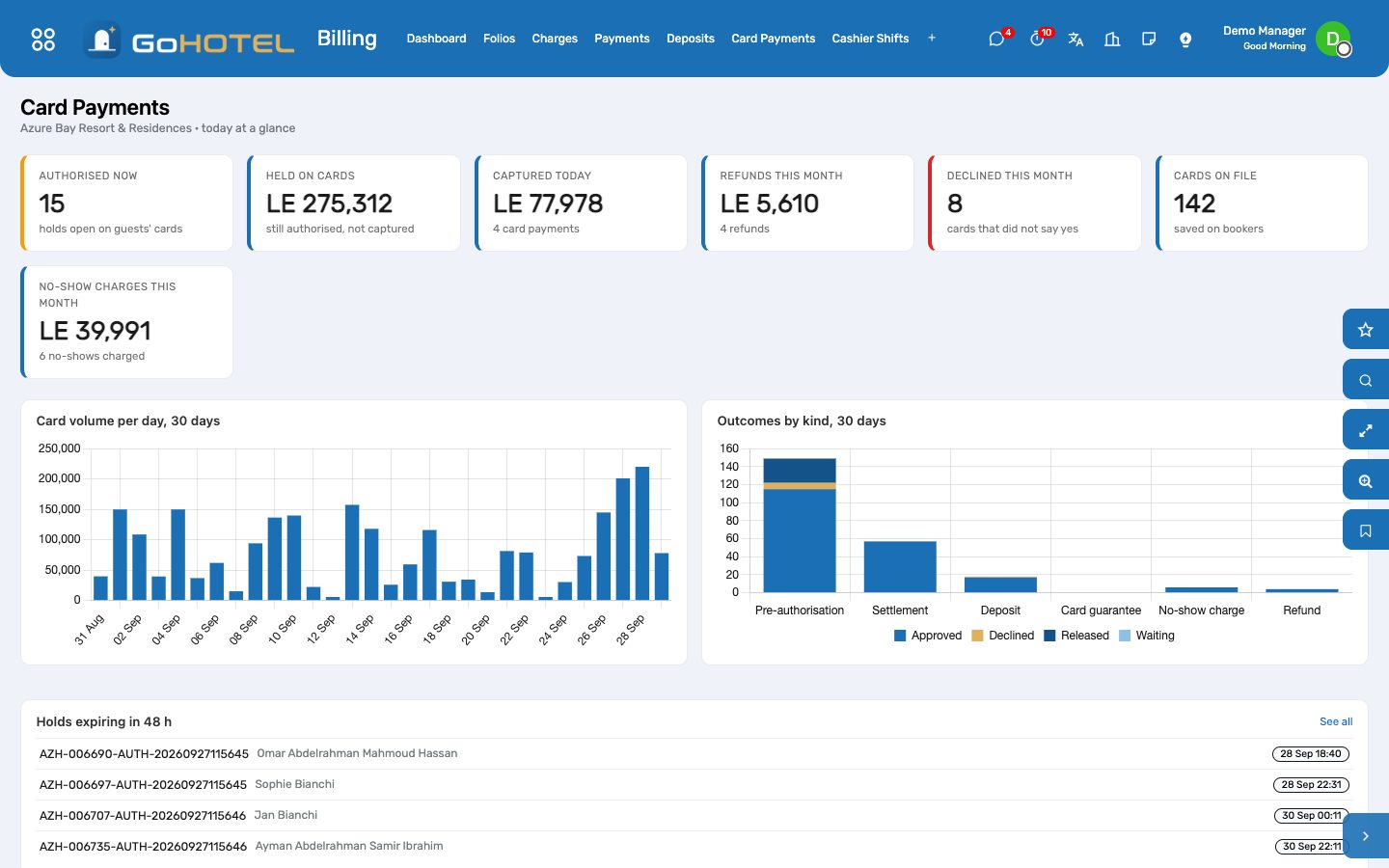
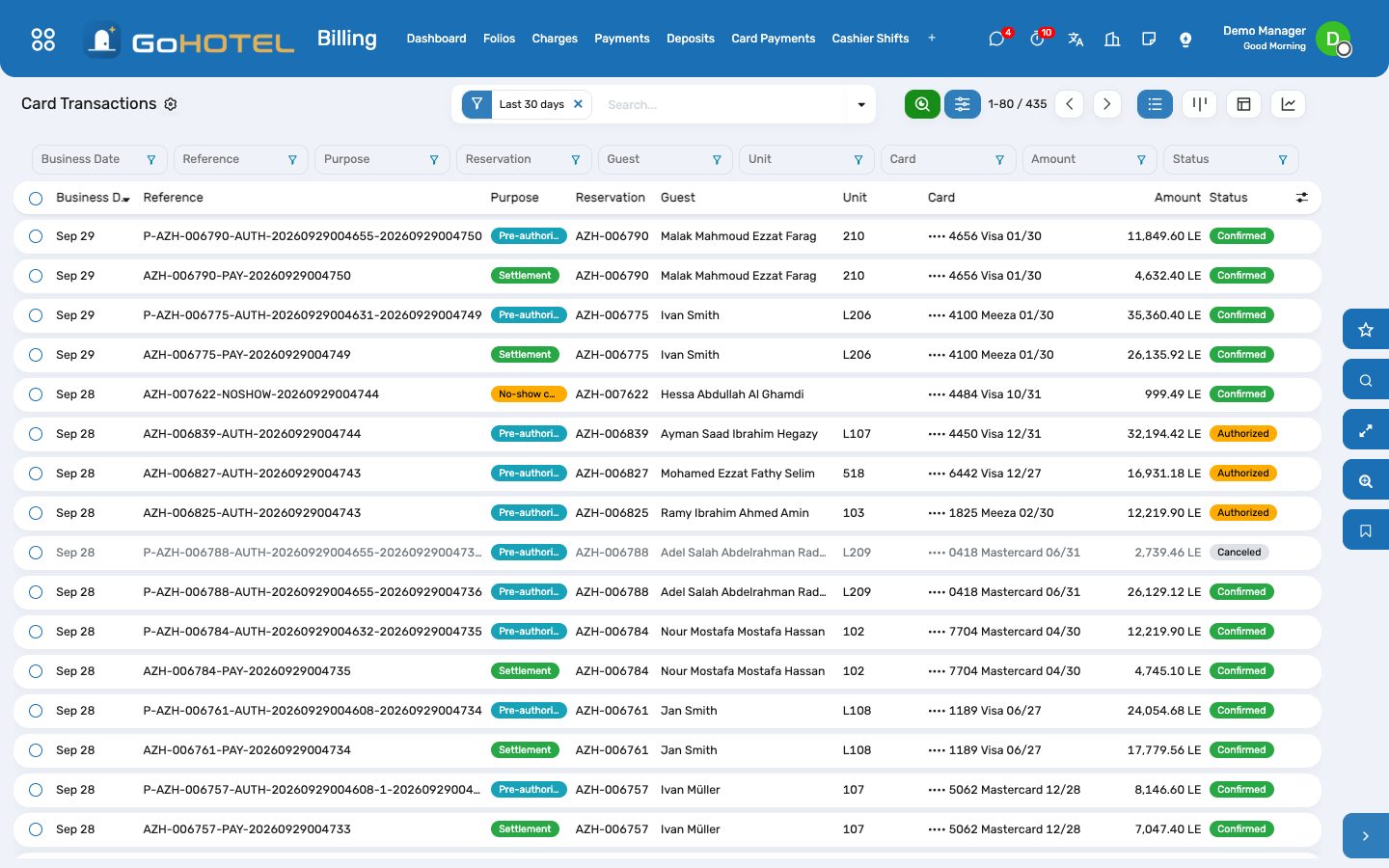
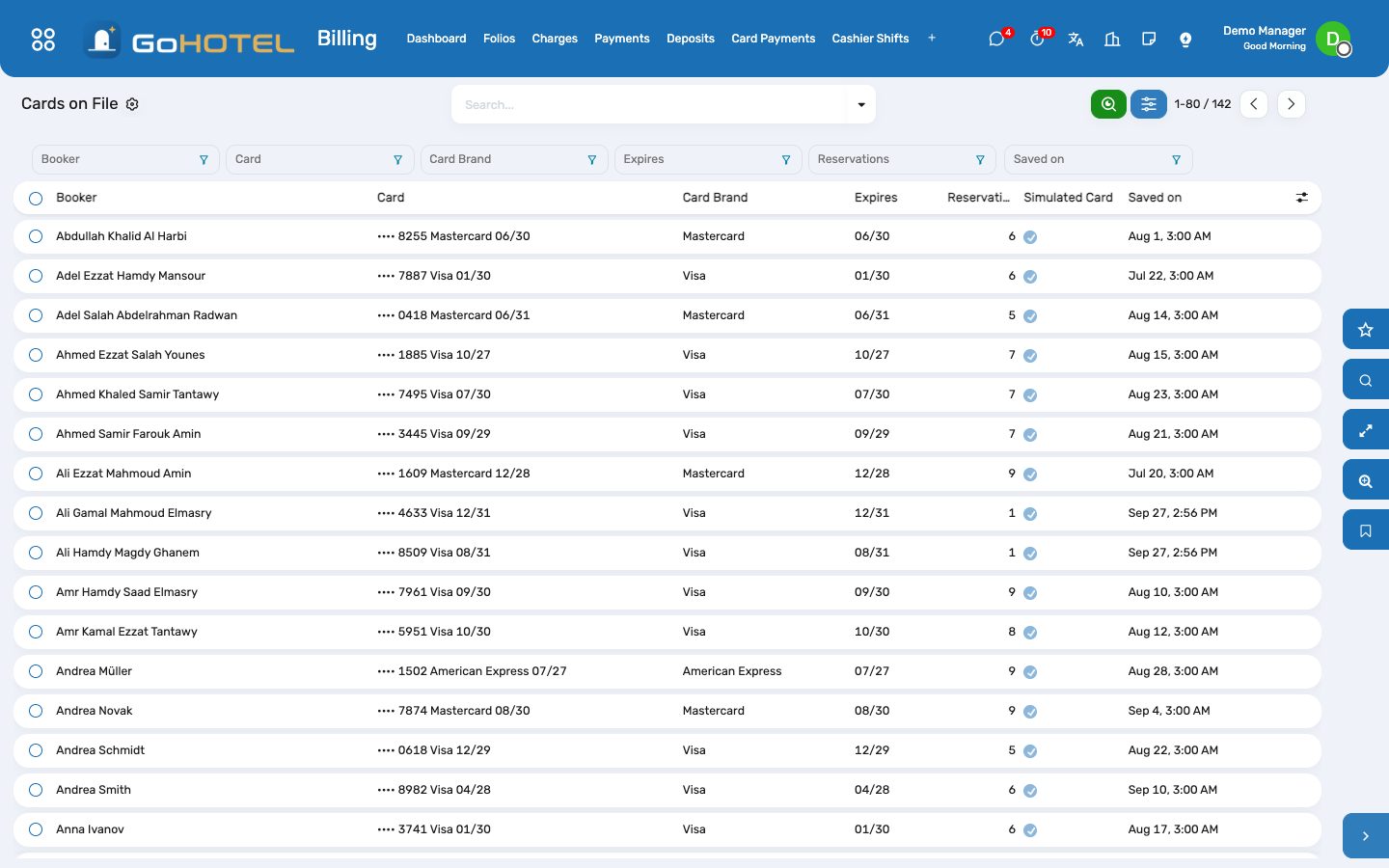
Where:Billing › Card Payments › Dashboard · Transactions · Cards on File · Provider — and the reservation, folio and property forms
Before you start
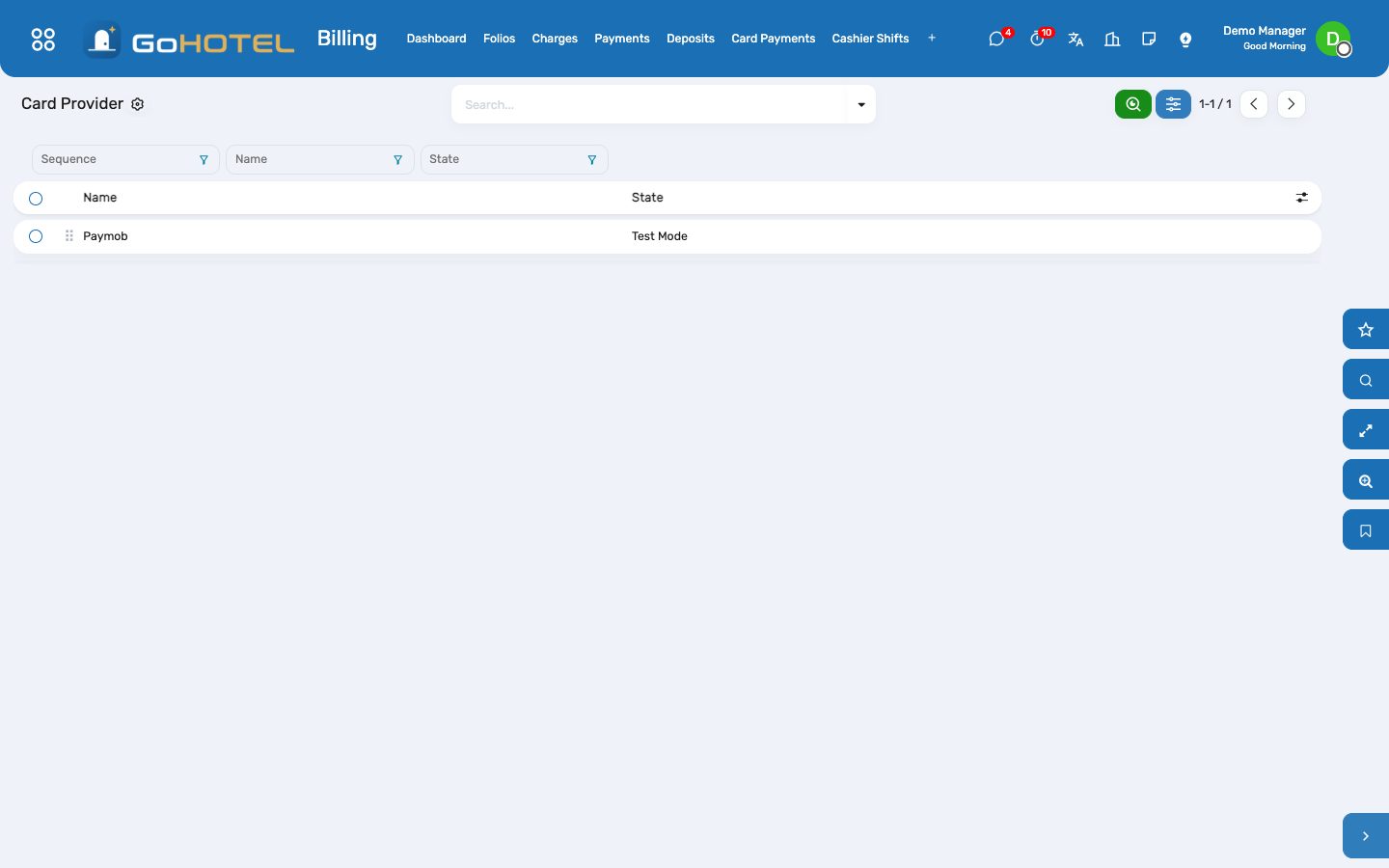
- The Paymob payment provider (Billing › Card Payments › Provider): state Test or Enabled, published.
- Folio payment methods "Card" and "Online payment" with the bank journal the gateway pays into (Billing › Configuration › Payment Methods).
- For live cards: a Paymob account in the property's country with a card integration for online payments, one for authorise-and-capture, and one allowed to charge a saved card (MOTO), and the property's currency on that account.
How to
Switch card payments on — simulate first
- Billing › Card Payments › Provider › Paymob. On the GoHotel tab choose Simulate: every hold, capture, release, refund and saved card is answered in GoHotel with a plausible reference and nothing reaches Paymob. Put any placeholder in the keys on the Credentials tab, set the state to Test Mode and publish the provider.
- Train the desk in simulate mode: a simulated card answers the way it was saved — Approve, Decline or 3-D Secure — so the team sees what a refusal looks like before a real one happens.
- To go live: enter the Paymob API, secret, public and HMAC keys on the Credentials tab, the two card integration IDs (authorise / capture and saved card) on the GoHotel tab, paste both callback addresses into every integration on the Paymob dashboard, choose Live, then Test Connection.
Set the property's card policy
- Property › the property › Card Payments tab.
- Pre-authorise nights: how many nights to hold at arrival (2 is common; 0 switches holds off); Incidentals: the margin for minibar, restaurant and spa, as a percentage of the nights held.
- Capture at check-out: settle the folio from the hold (and the card) when the guest leaves.
- No-show charge: nothing, or the first night.
- Website deposit: the share of the stay the site takes by card after the guest form; with 0 %, tick Card required online to ask for a card without charging it. Hold validity: how many days the bank keeps a hold (7 by default).
Take a card for a reservation
- Open the reservation, Take a Card. In simulate mode type any card number, the expiry and the answer to simulate; Save the Card saves it on the booker and guarantees the booking (guarantee "Card on file").
- In live mode Send the Card Link e-mails the booker a secure page: they add the card on Paymob's own form, nothing is charged, and the card appears on the booking. Without an e-mail on file the link is shown to send by WhatsApp or SMS.
- The Card on File button on the reservation shows the card as •••• 4242 Visa 12/28; click it for every card of that booker.
Arrival: the hold
- Check in as usual. When the booker has a card and the property holds nights, the hold is taken at once: nights × the nightly total (fees and VAT included) × the incidentals margin.
- The folio shows it under Balance as "Held on card" — it is not a payment and the balance does not move.
- A refused card never stops the check-in: the transaction is marked Error with the bank's reason, the dashboard lists it under Failed transactions today, and the desk asks for another card or a deposit.
- For a guest who gave a card after arrival, Hold on Card on the reservation takes the same hold by hand.
Departure: capture, release, charge
- Check out as usual. The folio balance is captured from the hold; what is left of the hold is released at once; if the bill is larger than the hold, the difference is charged to the same card first.
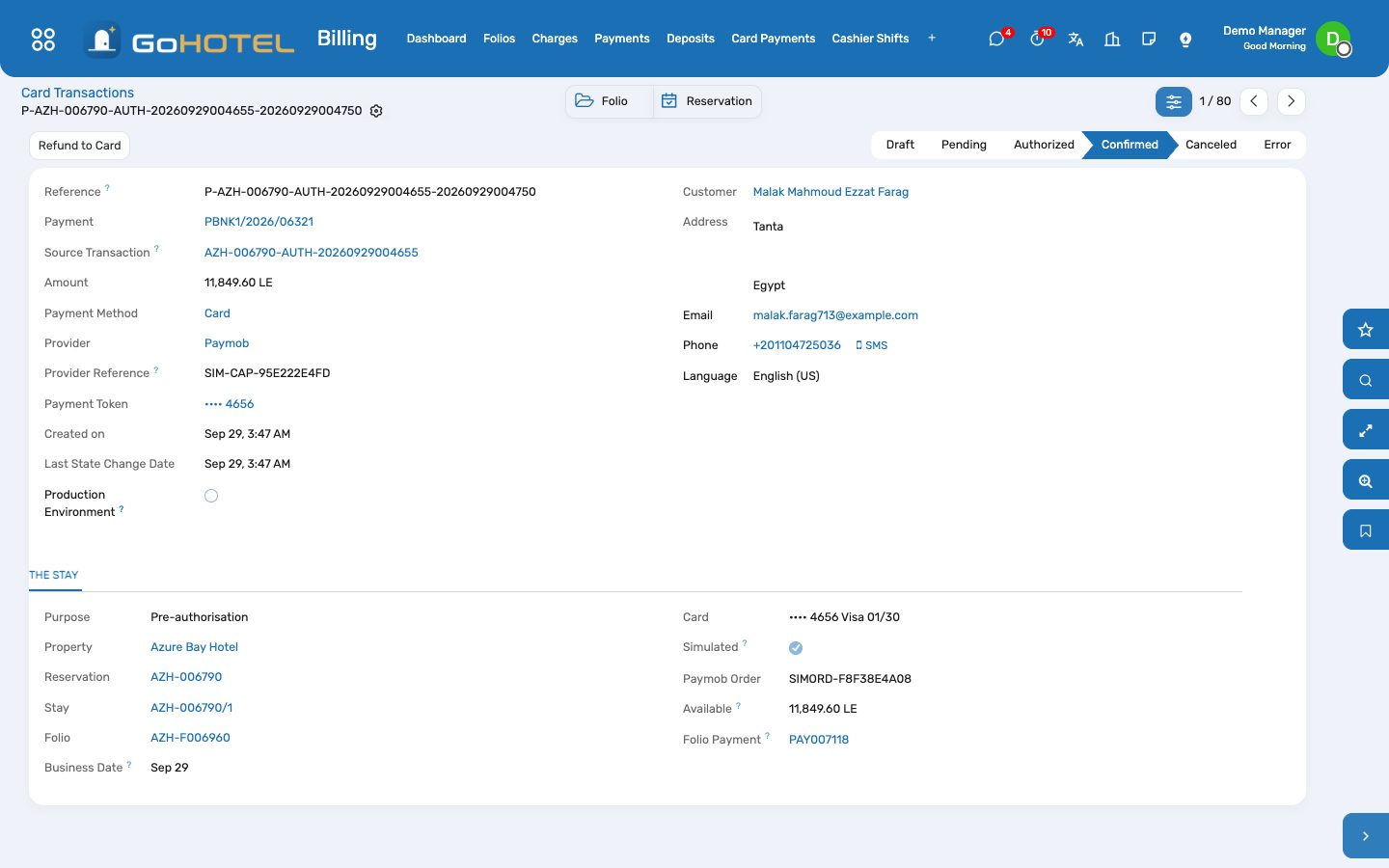
- Each capture or charge is a folio payment of method Card with the transaction reference, in the gateway's bank journal, on your cashier shift, matched with the folio invoice — exactly like a card swiped at the desk.
- If the card refuses the difference, the check-out stops with the bank's reason: take another payment, or transfer the balance to the city ledger, and check out again.
- On the folio: Charge Card settles the balance from the hold and the card now; Capture Hold captures up to the hold only (take the rest in cash); Release Hold gives the whole hold back.
No-shows
- When a booking with a card on file is marked no-show (by the desk or by the night audit), the first night — with its service charge and taxes — is posted on the folio and charged to the card, the folio is invoiced and closed.
- If the booking's policy already posted a no-show fee, that fee is what is charged; nothing is posted twice.
Refund to the card
- On the folio (or the transaction) choose Refund to Card: the amount (up to what the card paid), the reason, and Credit the Folio.
- The refund goes back to the same card and lands on the folio as a negative payment (a payment row in state Refunded and an outbound payment in Accounting).
- With Credit the Folio an allowance of the same amount keeps the folio settled; on a folio already invoiced it is issued as a credit note and matched with the refund at once. Untick it when the refund simply returns an overpayment.
- A deposit paid by card goes back to the card from the deposit's own Refund button.
Website deposits and card guarantees
- When the property takes a website deposit, the booking page's last step asks for the card: in live mode Paymob's secure form, in simulate mode a Simulated card box with Approve and Decline.
- An approved deposit is a reservation deposit received through the Online payment method; the booking is confirmed and guaranteed, and the card stays on file for the hold at arrival. The confirmation page says "Deposit of … paid by card •••• 4242".
- At check-in the deposit moves onto the stay's folio and reduces the balance the card is charged at departure.
- A refused card leaves the booking as it was (a held request or a confirmed booking without guarantee) and the guest can try another card.
Questions the desk asks
Does GoHotel store card numbers?
No. Paymob keeps the card; GoHotel keeps Paymob's reference to it and the last four digits. Card pages are Paymob's own; in simulate mode no card goes anywhere.
Why is the hold not on the folio as a payment?
A hold is money reserved on the guest's card, not money received: it becomes a payment only when it is captured, and only for what the guest owes.
How much is held?
The nights the policy says (never more than the stay), priced as the guest will pay them — rate, service charge, taxes — plus the incidentals margin. A two-night hold at 3,542 a night with 15 % incidentals is 8,146.60.
The hold was smaller than the bill.
At check-out the difference is charged to the same card first, then the hold is captured in full.
A card was refused at check-in.
The stay goes ahead; ask for another card (Take a Card, then Hold on Card) or a cash deposit. The refusal stays on the dashboard for the day.
What does "simulated" mean on a transaction?
It was answered by GoHotel in simulate mode and never reached Paymob — used for training and the demo.
Can a refund be partial?
Yes, any amount up to what that card payment still holds; several partial refunds are allowed.
See also: Folios, charges, payments and the city ledger Front desk: arrivals, in house, departures Reservations and the tape chart The property website and online booking The night audit and the business date