Restaurant, bar and room service — charging to the room
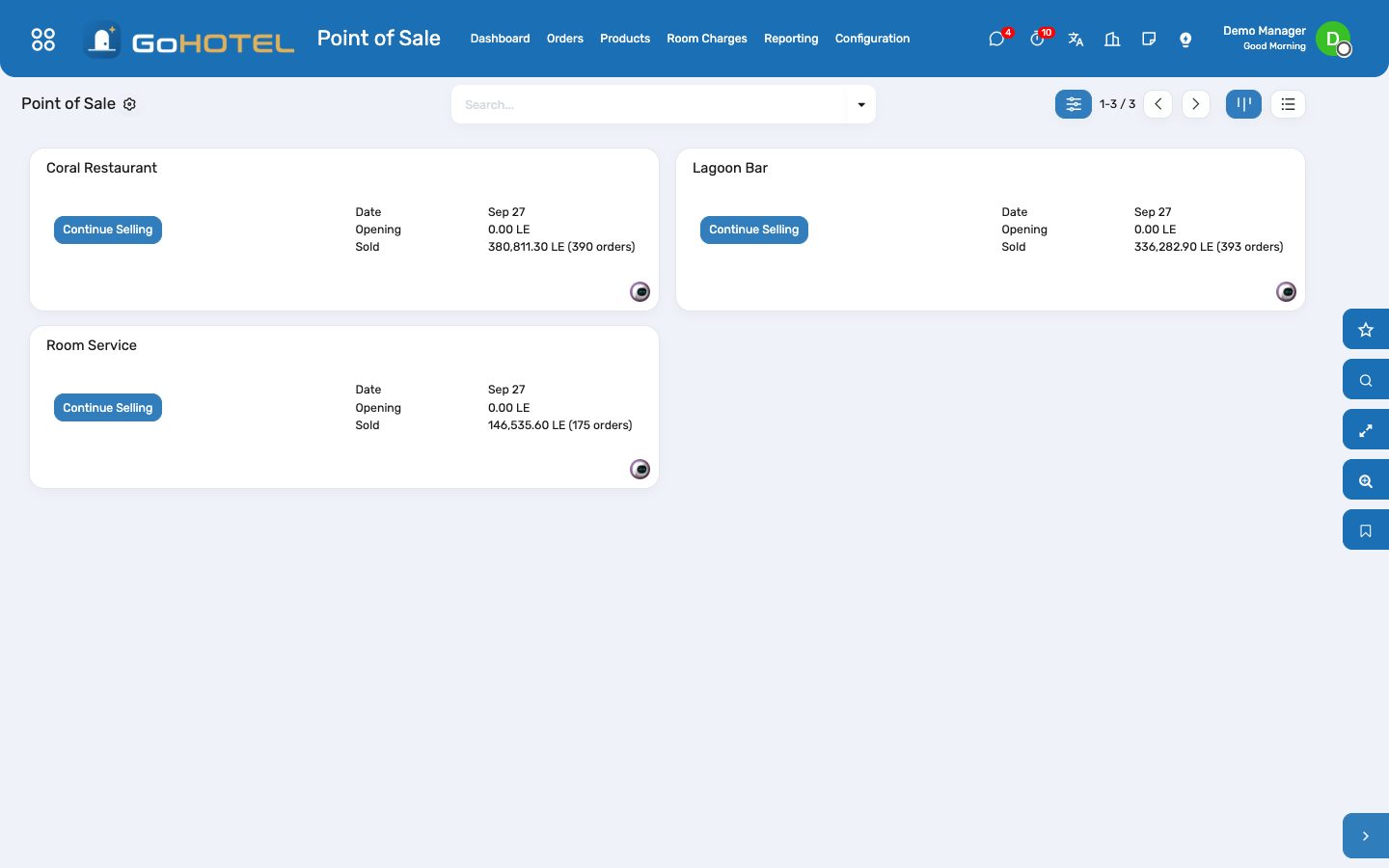
Every outlet is an Odoo Point of Sale tied to the property and a revenue department. A cheque is settled like any other — cash, card — or with Room charge, which finds the in-house guest by room number, name or reservation and posts the cheque to the folio; the guest settles it at check-out.
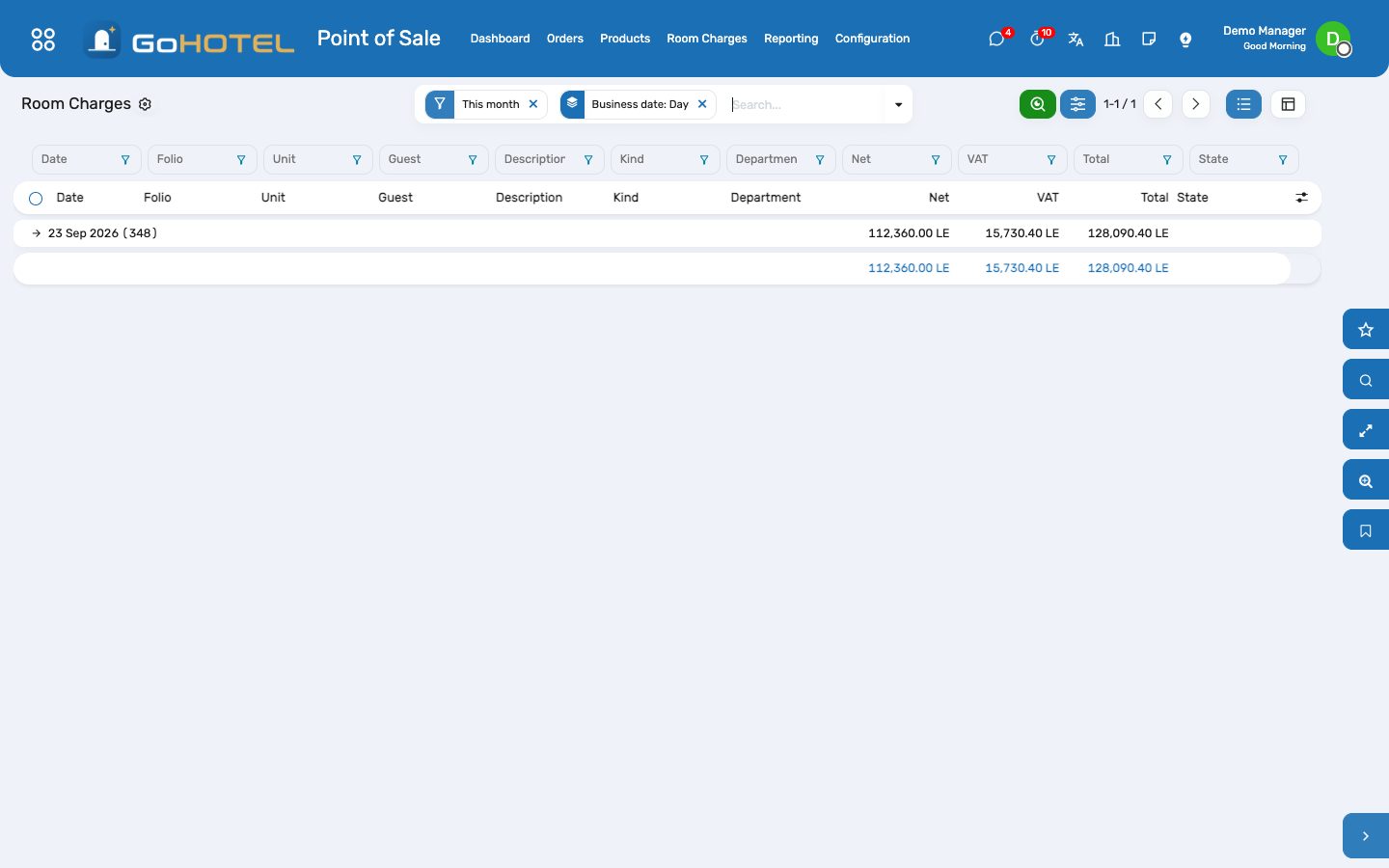
Where:Point of Sale › Dashboard (the outlet) · Point of Sale › Room Charges
Before you start
- The outlet
- Point of Sale › Configuration › Point of Sale: open the outlet, fill the Hotel group — property, revenue department, outlet type — and add the "Room charge" method to its payment methods.
- Prices and taxes
- Outlet products carry VAT (and the service charge, when it is a tax) as POS taxes; leave "Apply property fee rules" off unless the outlet prices are net.
How to
Charge a cheque to a room
- Take the order as usual and open Payment.
- Tap Room charge.
- Type the room number, the guest name or the reservation reference; pick the stay.
- The guest becomes the customer and the cheque shows "Charged to room …"; Validate.
- Print the receipt for the guest to sign; the folio now carries one line per cheque item.
Refund a room-charged cheque
- Orders › select the cheque › Refund.
- Pay the refund with Room charge and pick the same stay.
- The folio receives the negative lines; its balance drops.
See what an outlet charged today
- Point of Sale › Room Charges.
- Group by outlet or by business date; open a line to reach the folio.
Questions the desk asks
The guest is not in the list.
Only checked-in stays of the outlet's property appear. A guest who has not checked in yet, or who has checked out, cannot be charged — take another payment.
Validate says "Choose the in-house stay".
A Room charge line exists but no stay is chosen: tap the yellow line under the payments and pick the guest.
Is the sale booked twice?
No. The POS books the revenue and the VAT when the session closes; the folio line is marked "settlement only" and is never invoiced again — it only settles the amount at check-out.